
适用于
 通用
 Adobe Photoshop
 Microsoft Excel
 Adobe Illustrator
 Windows 资源管理器
分类(旧)
脚本 功能 AI关键词
更多信息
| 分享时间 | 2026-10-10 12:22 |
| 最后更新 | 2026-10-17 12:22 |
| 修订版本 | 4 |
| 用户许可 | 可自己使用或修改,不可再分享 |
| Quicker版本 | 1.45.5 |
| 动作大小 | 408.6 KB |
简介
Quicker Agent
一个运行在 Quicker 里的通用 AI Agent,支持通过子程序无限扩展能力。
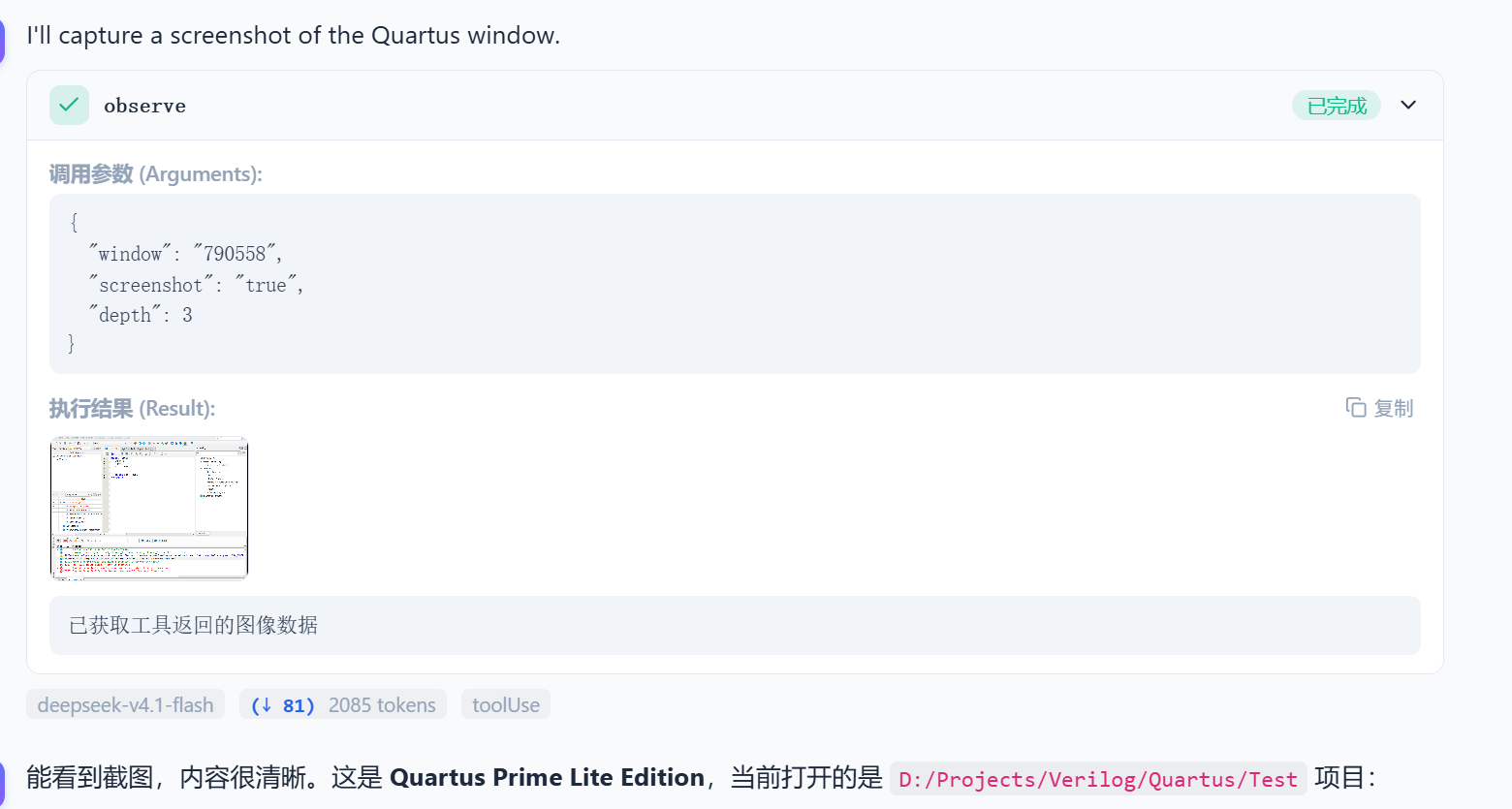
更新一组基础工具(basic_control系列),现在可以操作窗口,自动截图等,已自动内置,无需手动安装
- basic-control_click
- basic-control_find
- basic-control_list_windows
- basic-control_type
- basic-control_observe
定位
一个 通用 Agent 框架:
- Agent 本身不预设能力,只负责理解意图、调度工具、推进推理
- 能力由 Quicker 子程序 提供,装什么就能干什么
- 工具由社区共享,用户可自由组合,形成自己的工具箱
换句话说:
Quicker 是工具箱,子程序是工具,AI 是使用工具的手。
怎么用
1. 配置模型(首次使用必做)
Agent 界面右上角有一个 设置 按钮,点开后会看到"模型接口"配置项。
需要填三个字段:
| 字段 | 说明 | 示例 |
|---|---|---|
| API Base URL | OpenAI Chat Completion 兼容接口的地址 | https://api.deepseek.com 或 https://api.openai.com/v1 |
| API Key | 你在模型服务商申请的密钥 | sk-xxxxxxxx... |
| 模型标识 | 要调用的模型名称 | deepseek-flash、gpt-4o、claude-3-5-sonnet 等 |
填完保存即可。
3. 按需扩展
想让它做更多事?装对应的子程序即可。装了就生效,不用重启,不用配置。
内置能力
开箱即用的两个基础工具:
| 工具 | 能力 |
|---|---|
read_image |
读取图片 |
pwsh_tool |
执行 PowerShell 命令或脚本 |
这两个工具覆盖了"系统操作"和"图像读取"两类基础场景,其他能力全部通过扩展获得。
扩展机制
自动发现
Agent 每次启动会自动扫描 Quicker 里的子程序:
- 程序内子程序
- 全局子程序
凡是 Description 以 [QASP] 开头的,会被自动识别为工具,加入工具列表。
自动握手
识别到工具后,Agent 会并发向它们发送握手请求:
- 握手成功 → 自动启用
- 握手失败或返回不可用 → 自动剔除
这一步保证了工具列表始终反映真实可用状态。
零配置扩展
新增一个工具只需要四步:
- 在 Quicker 里新建全局子程序
Description以[QASP]开头- 实现握手和执行逻辑
- 定义好输入/输出变量
保存,下次打开 Agent 就会自动发现它。
工具生态
已经分享的子程序:
| 工具 | 控制对象 | 典型场景 |
|---|---|---|
| Office_WPSVBATool | Office / WPS | Word、Excel、PPT 自动化 |
| PS_tool | Photoshop | 图层处理、调色、批量导出 |
| Illustrator_tool | Illustrator | 矢量编辑、批量生成 |
| pwsh_tool(内置) | 系统 | 文件、进程、网络 |
| read_image(内置) | 图片 | 图像读取与预处理 |
| basic-control_list_windows(内置) | 桌面所有窗口 | 枚举窗口、找目标窗口句柄、确认前台窗口 |
| basic-control_observe(内置) | 指定窗口 | 感知控件树、拿临时 ref、深挖子树、自动截图等 |
| basic-control_find(内置) | 指定窗口 | 按 name/type 精确定位控件、拿 ref |
| basic-control_click(内置) | 指定窗口 | 点按钮、点菜单、点坐标、发快捷键 |
| basic-control_type(内置) | 指定窗口 | 往输入框写文本、提交回车 |
演示视频为使用ps_tool和pwsh_tool 使用DeepSeek V4.1flash 一轮直出
网络子程序
界面内置"搜索网络子程序"功能:
- 浏览其他用户分享的
[QASP]工具 - 一键下载安装
- 即刻生效
工具由社区贡献,生态由所有人共建。
工具识别协议(QASP)
工具声明:Description 以 [QASP] 开头 + 入参 data(Text, IsInput)。
时机
| 阶段 | 触发 | 工具动作 |
|---|---|---|
| Agent 启动 | Agent 发 {"action":"handshake"} |
返回 ToolDef,无副作用 |
| 用户对话中 | Agent 发 {"action":"execute","args":{...}} |
执行业务,结果写入输出变量 |
握手仅启动时一次;此后全是 execute。
握手返回(name/description/parameters 走 OpenAI function calling 格式;ack/online/label/reason 是 QASP 扩展,不下发模型)
{
  "ack": "handshake",
  "online": true,
  "name": "pwsh_tool",
  "description": "执行powershell命令或脚本",
  "parameters": {
    "type": "object",
    "properties": {
      "command": { "type": "string", "description": "单行命令或多行ps1脚本" }
    },
    "required": ["command"]
  }
}
online: false → Agent 剔除。
执行返回:结果写入 result / output / data 任一变量即可,中继层按序提取。
通用头(工具第一步)
var msg = JSON.parse(quickerGetVar('data') || '{}');
var isHandshake = msg.action === 'handshake';
var args = msg.args || {};
quickerSetVar('is_handshake', isHandshake);
if (!isHandshake) for (var k in args)
  quickerSetVar(k, typeof args[k] === 'string' ? args[k] : JSON.stringify(args[k]));
后接 if (is_handshake):真 → 输出 ToolDef 结束;假 → 业务逻辑写输出变量。
新建工具
- 全局子程序,
Description填[QASP] ... - 定义
data(入)+ 业务变量(名字 = ToolDefproperties的 key) - 步骤:通用头 JS →
if (is_handshake)→ If ToolDef / Else 业务 - Agent 重新探测
环境依赖
- Quicker(支持 WebView2)
- 内置工具:
read_image、pwsh_tool - 可选:任意
[QASP]子程序
贡献工具
想让 Agent 支持你常用的软件?只需要:
- 在 Quicker 里新建全局子程序
Description填[QASP] 你的工具说明- 定义输入 / 输出变量
- 实现握手和执行逻辑
- 分享到网络子程序
你写的工具,就能够被所有装了 Agent 的人使用。
web 端参考 https://github.com/HoPGoldy/web-agent-runtime 进行开发
最近更新
| 修订版本 | 更新时间 | 制品 | 审核状态 | 更新说明 |
|---|---|---|---|---|
| 4 | 2026-10-17 12:22 | V1 | 当前 V1 版本 | basic-control自动内置,无需手动安装 |
| 3 | 2026-10-16 23:59 | V1 | 修复pwsh_tool | |
| 2 | 2026-10-16 23:39 | V1 | 内置pwsh_tool不再每次运行弹出文本窗口 |

 京公网安备 11010502053266号